
Large Print and Accessible Prescription Labels for Low Vision: What You Need to Know
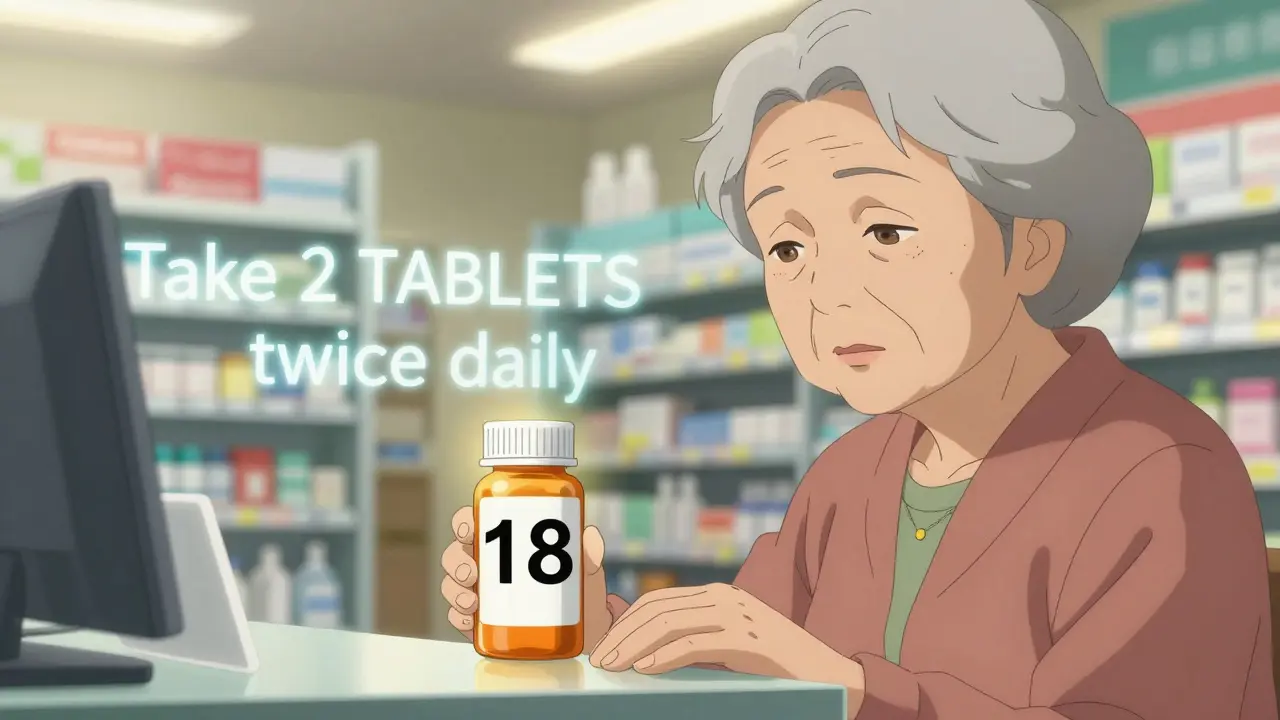
Imagine opening your medicine cabinet and not being able to read what’s inside. Not just a little blurry - but completely unreadable. For millions of people with low vision, this isn’t hypothetical. It’s daily life. And the stakes? Getting the wrong pill at the wrong time can land you in the hospital - or worse.
Why Standard Prescription Labels Fail People with Low Vision
Most pharmacy labels are printed in 8- to 10-point font. That’s tiny. Even people with perfect vision squint at them. For someone with macular degeneration, glaucoma, or diabetic retinopathy, it’s impossible. The FDA estimates that over 8 million Americans over 65 have some form of vision loss. A CDC survey found that 1 in 5 adults over 45 struggle to read their own medication labels. This isn’t just inconvenient. It’s dangerous. People take the wrong dose. They miss refills. They don’t realize a drug has expired. A 2014 study from the American Foundation for the Blind found that nearly 70% of visually impaired patients had made a medication error because they couldn’t read their label. That’s not a glitch - it’s a system failure.What Counts as a Large Print Prescription Label?
Not all big fonts are created equal. The American Foundation for the Blind and the Access Board agree: 18-point font is the minimum standard for readable large print labels. Some pharmacies go even bigger - 20 or 24 points - but 18 is the baseline that actually works. It’s not just size. Font choice matters. Arial, Verdana, and APHont™ (a font designed specifically for low vision) are recommended because they’re clean, clear, and easy to distinguish. Avoid serif fonts like Times New Roman - the little feet on the letters make them harder to read. Contrast is just as important. Black text on a white background is the gold standard. Yellow highlighting for key instructions - like “Take with food” or “May cause drowsiness” - helps draw the eye. Labels should be printed on non-glare material. A glossy label under fluorescent pharmacy lights? That’s a recipe for frustration. And layout? Left-aligned text. Consistent spacing. Instructions in uppercase numbers (e.g., “Take 2 TABLETS twice daily”) but lowercase letters. This isn’t about style - it’s about how the brain processes visual information when sight is limited.More Than Just Big Text: Audible and Digital Options
Large print helps - but it’s not the only solution. Many pharmacies now offer ScripTalk, a system that uses tiny RFID tags embedded in the label. When you tap the bottle with a handheld reader (or a smartphone app), it plays back the full prescription details: name, dose, instructions, warnings, refill info. It’s like having a pharmacist whispering in your ear. UK HealthCare’s ScriptView system uses QR codes. Scan the code with your phone, and it reads the label aloud. Some apps even let you save audio files for future reference. These systems work for people who can’t read even 24-point font - and they’re especially helpful for those with cognitive challenges or memory issues. Braille labels exist too. But here’s the catch: only about 10% of people with vision loss read Braille. So while it’s vital for that group, it’s not a universal fix. That’s why most pharmacies offer multiple options - large print, audio, and Braille - so you can pick what works for you.How to Get Accessible Labels - Step by Step
You don’t have to wait for your pharmacy to offer this. You can ask - and you should. Here’s how:- Call your pharmacy ahead of your visit. Ask: “Do you offer large print, audio, or QR-code prescription labels?”
- If they say yes, request the format you need. Say: “I need 18-point Arial font on my next script.”
- If they say no, ask if they can print a duplicate label in large print. Most can - even if they don’t have it on file.
- If they still say no, ask to speak to the pharmacist in charge. Many techs don’t know the policy, but pharmacists do.
- Ask for a written copy of their accessible labeling policy. If they don’t have one, ask them to contact their corporate office. Many chains have national guidelines.
Which Pharmacies Offer Accessible Labels?
As of 2025, nearly every major chain in the U.S. and U.K. offers at least one form of accessible labeling:- CVS: Offers large print, ScripTalk audio labels, and Braille. Available in over 9,800 locations. ScripTalk is free.
- Walgreens: Provides large print and ScripTalk. Also offers free label translation for non-English speakers.
- Walmart: Large print and QR-code audio labels via their app. Available in most locations.
- UK HealthCare (UK-based): Free ScriptAbility service with large print, audio, and translated labels. Available nationwide.
- Independent pharmacies: Vary widely. Some offer it. Many don’t. Don’t assume - always ask.
What If Your Pharmacy Doesn’t Offer It?
You have rights. The FDA’s 2012 Safety and Innovation Act requires pharmacies to make prescription labels accessible. The Department of Justice has ruled that failing to do so violates the Americans with Disabilities Act. If your pharmacy refuses:- Ask for a manager. Many staff don’t know the law.
- File a complaint with the pharmacy’s corporate office. Most chains have a customer service portal for accessibility issues.
- Report it to the National Federation of the Blind or the American Council of the Blind. They track compliance and can escalate.
Real Stories: How Accessible Labels Changed Lives
One 78-year-old woman in Bristol, diabetic for 30 years, used to guess her insulin dose because she couldn’t read the label. She had three hypoglycemic episodes in six months. After switching to ScriptView with large print and audio, her episodes dropped by 75% in three months. A Reddit user named VisionLiberation posted in March 2023: “I was taking the wrong pills twice a week. Now, with 18-point Arial, I haven’t made a mistake in over a year. It’s not just safer - it’s peaceful.” Healthgrades has over 1,200 reviews of accessible labeling services. The average rating? 4.7 out of 5. The top comment: “Finally, I don’t need to call my daughter every time I need to take a pill.”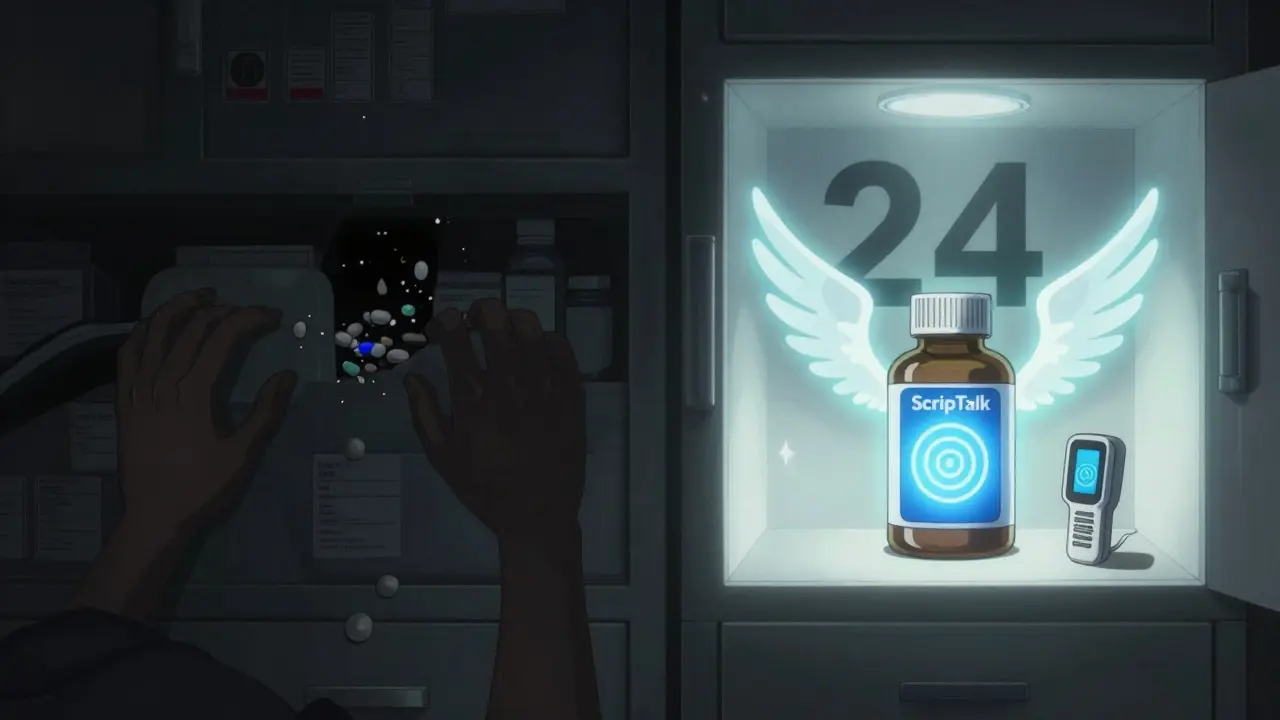
What’s Coming Next?
The future is digital. CVS is spending $15 million to roll out ScripTalk to all 9,900 U.S. locations by late 2024. The FDA is pushing to require accessible labels on e-prescriptions and patient portals by 2026. AI tools like Be My Eyes’ new pharmacy integration let users connect with volunteers via smartphone to read labels in real time - over 1.2 million readings done last year alone. But the biggest change? Awareness. More pharmacists are being trained. More patients are asking. And more families are realizing: this isn’t a luxury. It’s a necessity.Final Checklist: Your Accessible Label Action Plan
Before your next prescription:- ✅ Know your preferred format: large print, audio, or QR code?
- ✅ Call your pharmacy and ask: “Do you offer accessible labels?”
- ✅ Specify: “I need 18-point Arial, black on white, no glare.”
- ✅ Ask for a duplicate label if the original is too small.
- ✅ Keep a printed copy of your label in your wallet - just in case.
- ✅ If denied, escalate. You’re not asking for a favor. You’re exercising your right.
What You Can Do Today
If you or someone you love struggles with medication labels, don’t wait. Don’t hope the pharmacy will figure it out. Don’t assume it’s too hard to ask. Pick up the phone. Say: “I need my prescription label in large print.” It’s not just about reading words. It’s about reading your own life - clearly, safely, and without fear.What font size should a large print prescription label be?
The minimum recommended font size for large print prescription labels is 18-point. This is based on research from the American Foundation for the Blind and the Access Board, which found that most people with low vision cannot read text smaller than 14-point, and 18-point significantly improves reading speed and accuracy. Some pharmacies offer 20- or 24-point options for better visibility.
Are large print labels free?
Yes, large print, audio, and QR-code labels are typically offered for free at major pharmacy chains like CVS, Walgreens, Walmart, and UK HealthCare. These services are required under the FDA Safety and Innovation Act and the Americans with Disabilities Act. Pharmacies cannot charge extra for accessible labeling.
Can I get an audio label if I don’t have a smartphone?
Yes. Systems like ScripTalk provide a small handheld reader device that works with RFID-enabled labels. You can request this device from your pharmacy at no cost. Some pharmacies also offer landline-based audio systems where you call a number and enter your prescription ID to hear the label details.
Do all pharmacies offer accessible labels?
Major chains like CVS, Walgreens, and Walmart offer accessible labels in nearly all locations. Independent pharmacies vary - some do, many don’t. Always ask. If they say no, request to speak to the pharmacist or manager. You have a legal right to accessible labels under U.S. and U.K. law.
What should I do if my pharmacy refuses to provide an accessible label?
First, ask to speak to the pharmacist in charge. If they still refuse, file a complaint with the pharmacy’s corporate customer service line. You can also report the issue to the National Federation of the Blind or the American Council of the Blind. Under the Americans with Disabilities Act, denying accessible labels is illegal and has led to multiple legal settlements.
Is Braille an option for prescription labels?
Yes, Braille labels are available at many pharmacies, but they’re only useful for the 10% of people with vision loss who read Braille. Most pharmacies offer Braille as one of several options - alongside large print and audio - so you can choose what works best for you.
Can I get my labels in another language?
Yes. Many pharmacies, including Walgreens and CVS, offer translated prescription labels in Spanish, Chinese, French, and other languages. Ask when you pick up your prescription. Some systems even let you download audio translations via their app.


Comments
Astha Jain
January 20, 2026 AT 02:19so like… i asked my local pharmacy for big text labels and they looked at me like i asked for a unicorn. like, its 2025. why am i the problem here? i just want to know if im taking my blood pressure pill or my sugar pill. its not rocket science. also, why is the font so weird? like, why not just use arial? its 2025. not 1995.
Christi Steinbeck
January 20, 2026 AT 04:27THIS. I’ve been screaming about this for years. My grandma almost ended up in the ER because she took two different pills thinking they were the same. Now she uses ScripTalk and she’s actually sleeping at night. Pharmacies? You’re not doing a favor. You’re doing your JOB. And if you don’t? I’m calling the DOJ. No more excuses.
Jacob Hill
January 21, 2026 AT 11:34I just want to say-thank you for writing this. I’m a pharmacist, and honestly, most of us don’t even know the legal requirements. We’re overworked, undertrained, and no one ever asks. But now? I’m printing 18-point Arial on every script for anyone who needs it. And I’m training the techs. This isn’t optional. It’s basic human dignity.
Josh Kenna
January 22, 2026 AT 09:38you guys are so naive. this is all just corporate theater. they give you 'large print' but it's still on glossy paper under fluorescent lights. they don't care. they just want you to shut up. and braille? please. they put it on there so they can say 'we offer it'-but they don't even train staff to use the braille reader. it's a PR stunt. the real solution? mandatory audio labels on every bottle. no exceptions. no 'if you ask'. just do it. and stop pretending this is about 'choice'-it's about survival.
Erwin Kodiat
January 23, 2026 AT 20:11My uncle in Ohio used to take his meds by color. He said the red one was for his heart, the blue one for his blood pressure. He didn’t know what they were called. He just remembered the colors. Now he uses the QR code system-he scans it, hears the name, and he laughs and says, 'I’m not a dumb old man anymore.' That’s the real win here. Not the font size. Not the tech. It’s dignity.
Lewis Yeaple
January 24, 2026 AT 07:04It is imperative to note that the FDA’s 2012 Safety and Innovation Act, codified under 21 U.S.C. § 353, mandates accessibility accommodations for prescription labeling under Title III of the ADA. Furthermore, the Access Board’s guidelines, specifically Section 508, establish minimum typographic standards for legibility, including font size, contrast ratio, and spacing. Noncompliance constitutes a violation of federal civil rights law, and remediation may be pursued through the Office for Civil Rights. This is not a suggestion. It is a legal obligation.
Jackson Doughart
January 24, 2026 AT 16:01I’ve seen this play out in my own family. My mother, 82, with diabetic retinopathy, used to cry every time she opened her pill bottles. She’d call me at 2 a.m. because she couldn’t tell if it was her blood thinner or her thyroid med. Now, with the audio labels? She doesn’t call anymore. She just nods. And that silence? That’s peace. We don’t need applause. We just need to be seen.
Malikah Rajap
January 25, 2026 AT 11:49Wait-so if I can't read my label, and I ask for help, and they say no... and then I get sick... is that considered medical negligence? Like, legally? Because if someone dies because they couldn't read a label... isn't that manslaughter? I mean... I know it sounds dramatic, but... think about it. They have the tech. They have the law. They just... don't care. And that's the real horror.
sujit paul
January 27, 2026 AT 09:43Let us not be deceived. This is not about vision. This is about control. The pharmaceutical-industrial complex does not want you to be independent. They want you dependent-on their apps, on their devices, on their 'solutions.' Braille? Audio? QR codes? All gateways to surveillance. Who owns the data from your ScripTalk scans? Who tracks your pill intake? The real enemy is not the font size-it is the algorithm that watches you take your medicine and sells your health data to insurers. Ask yourself: Who profits when you are afraid to read your own label?