
How to Store Prescription Labels and Leaflets for Future Reference
Keeping your prescription labels and medication leaflets isn’t just about being organized-it’s a safety habit that can save your life. Imagine showing up at the ER after a fall, confused and in pain, with no idea what pills you’ve been taking for the last five years. That’s not a hypothetical. It happens every day. And the fix? Simple: store your prescription paperwork properly.
Why This Matters More Than You Think
Every year in the U.S., about 7,000 people die from medication errors. Many of those deaths happen because doctors don’t know what a patient is really taking. You might think your doctor has your full history in their system. They don’t. Electronic health records usually keep data for only 7 to 10 years. After that, it’s archived-or gone. Your personal records? Those last forever. Prescription labels contain critical info: your name, the drug name, dosage, when to take it, who prescribed it, and the expiration date. The leaflets? They list side effects, drug interactions, what to avoid (like alcohol or grapefruit), and what to do if you miss a dose. Losing those means guessing-or worse, getting the wrong treatment. A 2022 study in the Journal of General Internal Medicine found that patients who kept organized records reduced adverse drug events by 55%. That’s not a small number. That’s life-changing.What You Need to Keep
Don’t just save the bottle. Save everything that came with it:- The original pharmacy label (with your name and dosage)
- The printed medication leaflet (usually white, folded, 8-12 pages)
- Any handwritten notes from your doctor about dosage changes
- Receipts or confirmation emails if you ordered meds online
Physical Storage: The Reliable Way
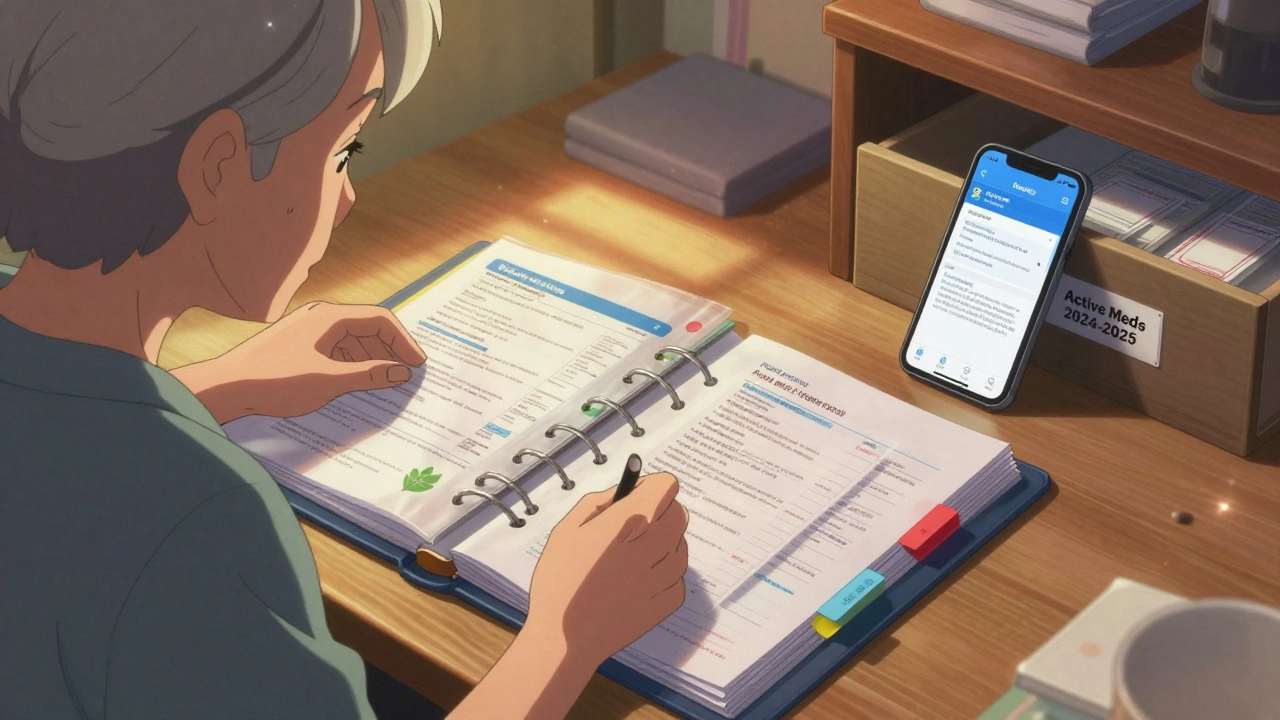
If you’re not tech-savvy, or if you’ve had bad experiences with apps crashing or passwords forgotten, go old-school. A binder works better than you’d expect. Get a 1.5-inch three-ring binder. Buy acid-free, pH-neutral plastic sleeves (the kind archivists use for photos and documents). These prevent yellowing and tearing. Put each medication’s label and leaflet into its own sleeve. Then organize them alphabetically by drug name. Use color-coded tabs: blue for heart meds, green for antibiotics, red for painkillers, yellow for mental health drugs. That way, even if you’re stressed or in a hurry, you can flip to the right section fast. Store the binder in a cool, dry place-like a bedroom drawer or closet shelf. Avoid the bathroom. Humidity ruins paper. The ideal temperature? Between 68°F and 77°F. Same as your pills. Don’t leave it on a windowsill. Sunlight fades ink and weakens paper. One patient in Brisbane told me she kept her binder under her bed. When she had a stroke last year, paramedics found her meds in minutes. “It saved me from being misdiagnosed,” she said.Digital Storage: The Smart Backup
If you use a smartphone, scanning your labels is easy. Take a photo of each label and leaflet. Save them in a folder labeled “Medications.” But don’t just dump them into your camera roll. Use a secure app. Apps like MyMedSchedule (version 3.2.1, updated Jan 2024) are HIPAA-compliant. That means your data is encrypted end-to-end. You can scan labels, set reminders, and get alerts when a pill expires. The app even lets you share your list with family or doctors with one tap. The catch? Not everyone likes tech. A 2023 AARP survey found only 42% of adults over 65 feel comfortable using these apps. That’s okay. You don’t have to go all-digital. Use both. Here’s the best approach: Keep physical copies of your current meds in your binder. Scan older ones (anything over a year old) and upload them to your phone or cloud storage. That cuts down clutter and keeps history safe.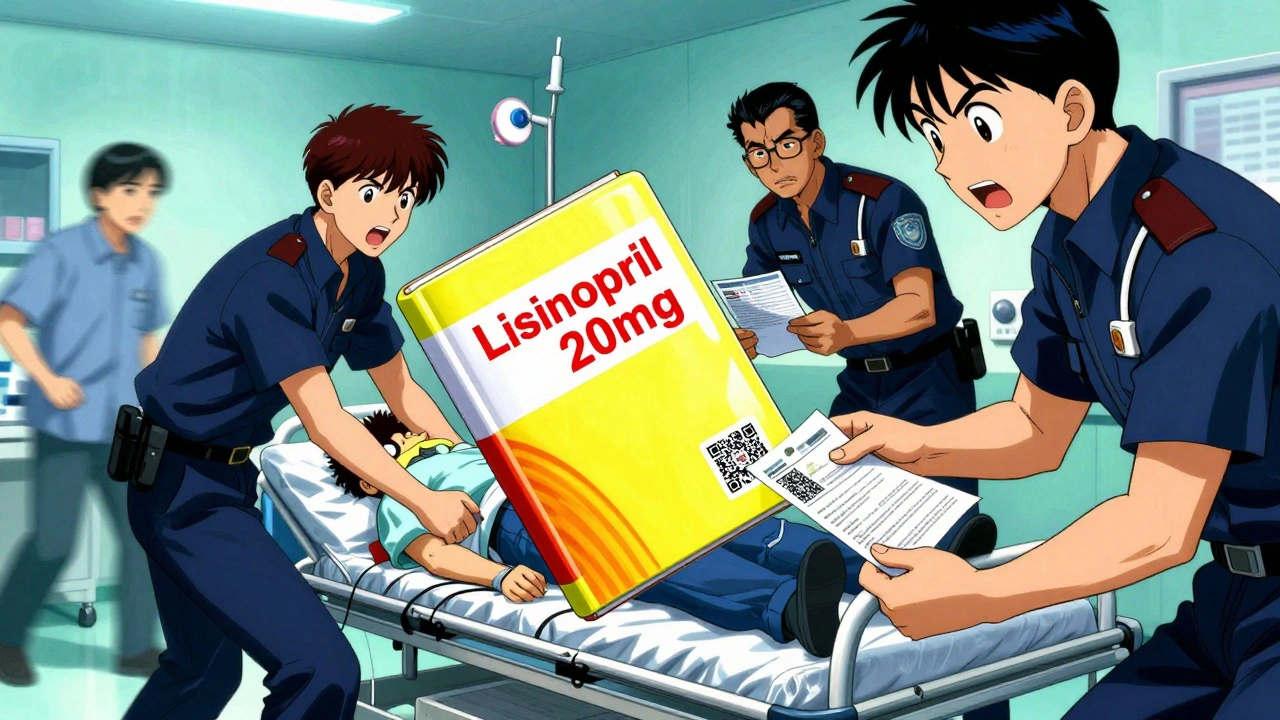
What NOT to Do
Don’t just toss old pill bottles in the trash. That’s how mistakes happen. One man in Queensland threw out his bottles after switching doctors. When he needed a refill, his new doctor didn’t believe he’d been taking 20mg of lisinopril for 10 years. He ended up paying $1,200 for unnecessary blood tests. Don’t write on the leaflets with a marker. Ink bleeds. Don’t fold them too many times. Don’t store them with your cleaning supplies. Don’t let kids or pets get to them. And don’t rely on your memory. Even if you’ve been taking the same pill for 15 years, your dosage might have changed. Only the label tells the truth.How Much Space Does This Take?
If you take 28 prescriptions a year (average for someone over 65), you’ll add about 56 pages of paper annually. That’s less than half an inch of binder space per year. Ten years? About 5 inches. A standard binder holds 12 inches. You’ve got room. If you’re on 10+ meds, get a larger binder. Or split into two: one for current meds, one for past ones. Label the spines clearly: “Active Meds 2024-2025” and “History 2019-2023.”What About Privacy?
Digital storage is convenient, but it’s not risk-free. Prescription records are 40 times more valuable than credit card numbers on the black market, according to IBM’s 2023 data breach report. If you use an app, pick one with end-to-end encryption. Don’t use Google Photos or iCloud unless you’ve turned on two-factor authentication and hidden the folder. Physical storage has its own risks-fire, flood, theft. But if you keep your binder in a locked drawer or safe, it’s safer than most people think.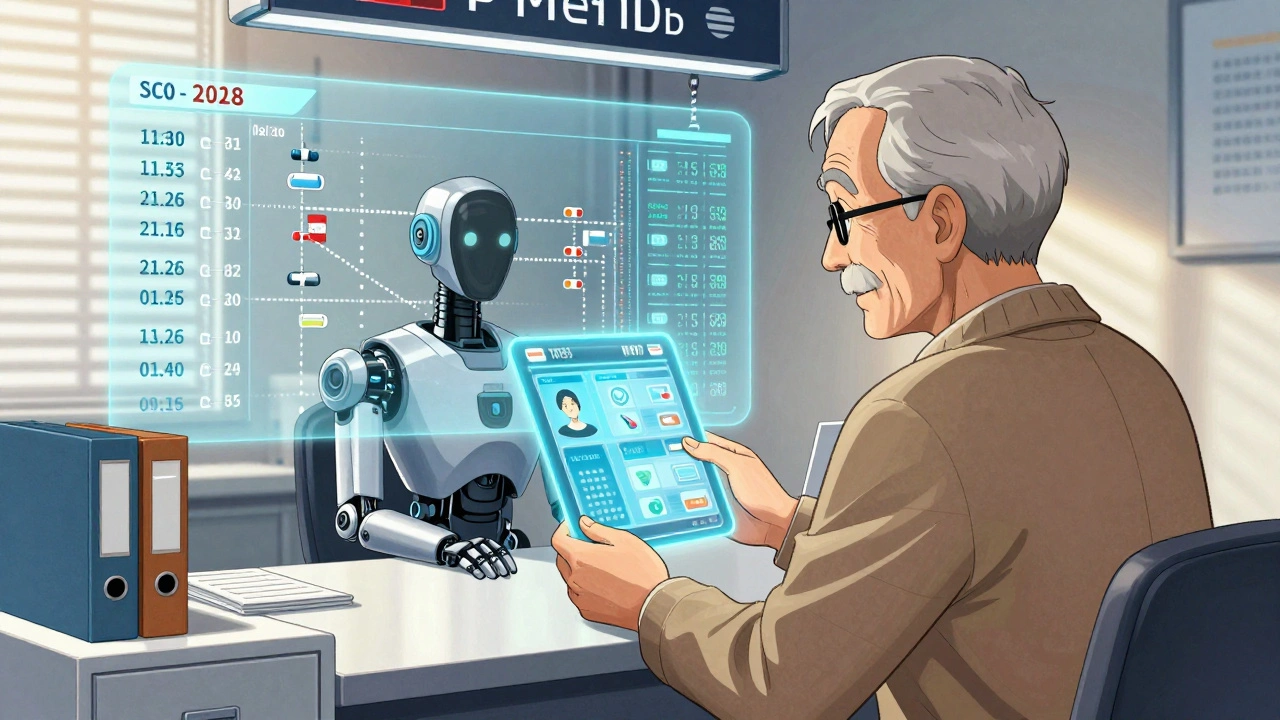
How to Start Today
You don’t need to do it all at once. Here’s a simple plan:- Grab a binder and some plastic sleeves.
- Take today’s prescriptions. Scan or photocopy the labels and leaflets.
- Put them in the binder. Alphabetize them.
- Set a reminder on your phone: “Update meds binder every 3 months.”
- When you get a new prescription, add it the same day. Don’t wait.
When You Need It Most
You’ll thank yourself the day you go to the hospital. Or when you switch doctors. Or when your parent has a fall and you need to explain their meds to a nurse who’s never met them. A woman in Melbourne once told me: “I kept my binder because my mom did. When she had dementia, I used it to tell the doctors what she was really taking. They said it was the most complete record they’d ever seen.” That’s the power of this habit. It’s not about being perfect. It’s about being ready.Helpful Resources
- CDC Medication Safety Helpline: 1-800-232-0233 (free advice, 24/7)- Institute for Safe Medication Practices: “Your Medication Record: A Patient’s Guide” (free download)
- FDA Labeling Guidelines (May 2023): All prescription labels must include 18-point bold font for key info-perfect for scanning
- MyMedSchedule app (iOS/Android, version 3.2.1+): HIPAA-compliant, supports QR code scanning from new labels


Comments
Mindy Bilotta
December 2, 2025 AT 12:16Just started my binder last week after my dad almost got misdiagnosed. Took me 20 mins to scan 12 meds. Now I sleep better. 🙌
Ethan McIvor
December 3, 2025 AT 14:28You know, I used to think this was overkill. Like, 'I remember what I take.' But then I realized memory is just a story we tell ourselves. The label? That’s the truth. And truth doesn’t forget. 🤔
Michael Bene
December 3, 2025 AT 19:00Oh wow, another one of those ‘organize your meds’ posts. Like, wow, groundbreaking. Did you also invent the wheel? Everyone knows you shouldn’t store pills in the bathroom. But here’s the real issue-pharmacies don’t even give you the full leaflet anymore. Half the time it’s a QR code that links to a 40-page PDF you can’t print. And don’t get me started on how MyMedSchedule crashes if you blink wrong. This whole thing is a corporate trap to sell you apps and binders. 🤡
Brian Perry
December 4, 2025 AT 04:13I tried the binder thing. Then my cat knocked it over. Then my dog peed on it. Then my ex took it when she left. Now I just take pictures on my phone. But I keep forgetting to update them. So now I just yell at the pharmacist every time. ‘I’M ON LISINOPRIL, DAMN IT!’ 🤬
Gene Linetsky
December 6, 2025 AT 01:44Wait. Why are you telling people to scan their meds? That’s how the government tracks you. You think they care about your health? Nah. They want your pill history to flag you as ‘high risk’ so insurance can jack up your rates. And MyMedSchedule? That’s owned by a subsidiary of a defense contractor. Your data’s already in a database somewhere. You’re not being safe-you’re being profiled. 🕵️♂️
parth pandya
December 7, 2025 AT 04:05Bro I live in India, we don't even get leaflets with meds. Most are generic, and the bottle has only the name in Hindi. I just take pic of bottle and write down dose in notes app. Works fine. Also, no binder needed. 😅
Charles Moore
December 8, 2025 AT 00:16This is one of those rare posts that doesn’t make you feel guilty-it makes you feel capable. I’ve been meaning to do this for years. Now I’m doing it this weekend. No pressure. Just one med at a time. Thanks for the nudge. 🙏
Rashi Taliyan
December 9, 2025 AT 04:36I used to be the person who threw everything away. Then my grandma had a stroke and we had NO IDEA what she was on. The ER nurse looked at us like we were criminals. I cried for three days. Now I scan EVERYTHING. Even the tiny ones. Even the ones I hate taking. They’re not just pills. They’re lifelines. 💔
Kara Bysterbusch
December 9, 2025 AT 13:17While the practical advice is commendable, one must also consider the epistemological implications of physical versus digital record-keeping. The materiality of paper confers ontological permanence, whereas digital storage is contingent upon algorithmic continuity and corporate stewardship. One might argue that the binder, as artifact, embodies a form of resistance against the commodification of personal health data. A thoughtful meditation on temporality and trust, indeed.
Rashmin Patel
December 11, 2025 AT 06:47OMG YES!! I started this last year and it changed my LIFE!! I have color-coded tabs, QR codes on every sleeve, and I even made a little checklist for my mom so she can update it when I’m traveling. And guess what? My aunt used my system when she went to the hospital last month and the doctor said, ‘I’ve never seen a patient’s record this organized!’ I cried. Like, full ugly cry. 😭💕 Also, I use MyMedSchedule but I also keep a printed backup in my purse. Because you never know. And if you don’t do this, you’re basically asking for disaster. No cap. 🙏
sagar bhute
December 12, 2025 AT 14:58This whole post is a scam. You think your binder is gonna save you? You’re just giving the system more data to use against you. And who even uses binders anymore? This is 2025. Everyone’s on their phone. You’re not being safe-you’re being obsolete. And your ‘study’? Probably funded by pharmaceutical companies trying to sell you more pills. Wake up.
Cindy Lopez
December 12, 2025 AT 23:58There’s a misplaced comma in the second paragraph. Also, ‘7,000 people die’ should be ‘7,000 people die annually’ for clarity. And you used ‘they don’t’ in the third paragraph but then switched to ‘their’ later-minor inconsistency. The content is useful, but precision matters.
James Kerr
December 14, 2025 AT 23:49Been doing this since my mom passed. Best thing I ever did. Took me a weekend. Now I just add stuff as I get it. No stress. No drama. Just peace of mind. And yeah, my cat still knocks over the binder sometimes. But now I know what’s in it. 😊
shalini vaishnav
December 15, 2025 AT 15:56How can you trust Western medical systems at all? In India, we’ve been managing our own health for centuries with Ayurveda and home remedies. Why are you letting corporations dictate your pill storage? This binder nonsense is cultural colonization disguised as safety. You need to decolonize your medicine.
vinoth kumar
December 16, 2025 AT 08:36I’m gonna start this tomorrow. I’ve got 11 meds and I’ve been forgetting one every month. My sister says I’m lucky I haven’t ended up in the hospital yet. But now I’ve got a binder and a new phone reminder. Let’s do this. 🤝